

An internal audit has revealed that the Louvre Museum in Paris once used the password “Louvre” to protect its video surveillance system, raising serious questions about the institution’s digital security practices. The revelation resurfaced after a high-profile robbery last month in which thieves stole eight pieces from France’s crown jewel collection.
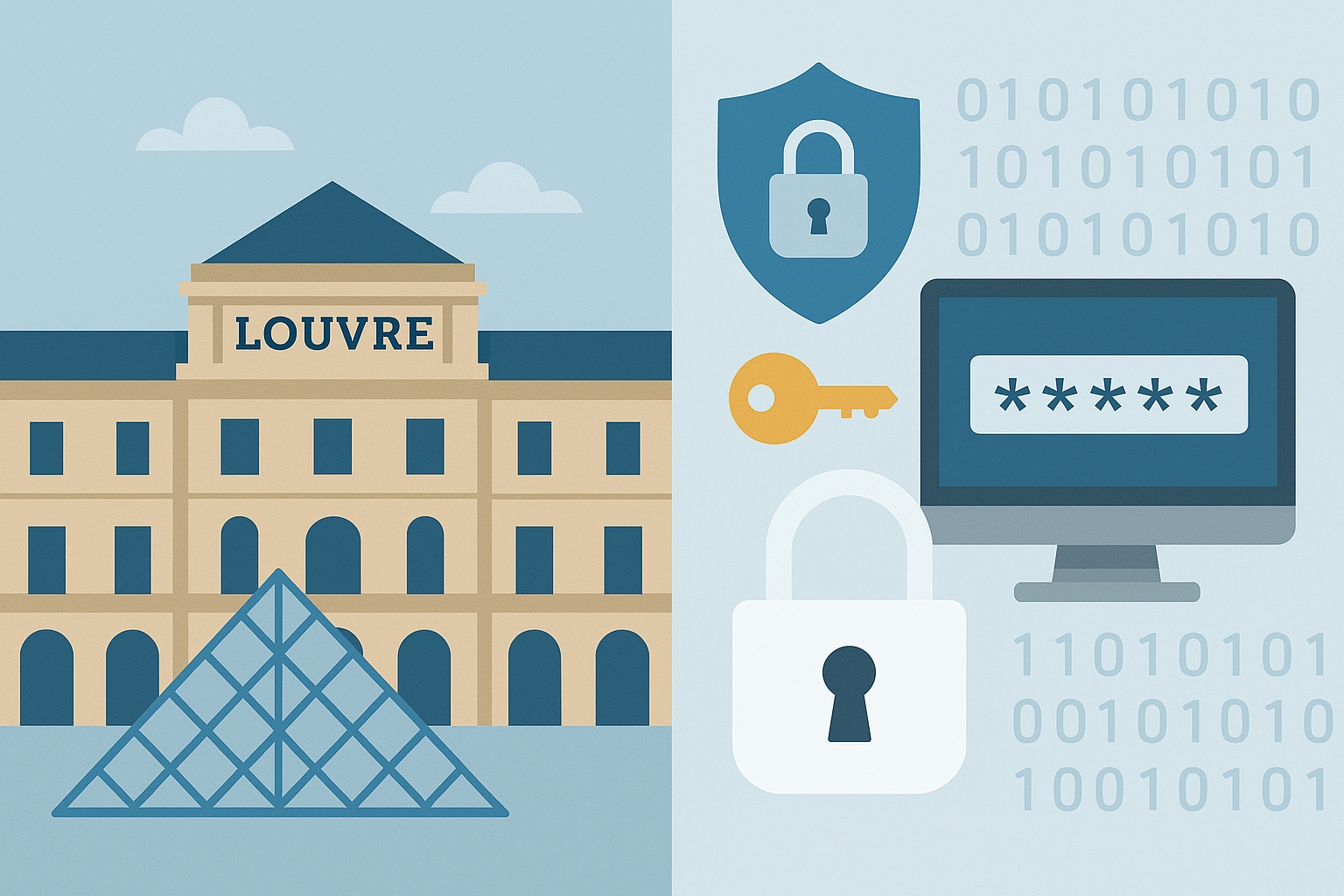
According to documents reviewed by French media, cybersecurity weaknesses were first identified in 2014 during an inspection by the national information systems security agency. The report found that the museum’s surveillance servers were running outdated software and used easily guessed passwords. Investigators said that the same weaknesses appear to have persisted for years, despite repeated warnings.
The audit noted that parts of the system were still operating on Windows 2003, an obsolete version no longer supported by Microsoft. Experts said that systems left without updates or modern authentication controls are easy targets for intrusion and manipulation. Outdated technology also makes it difficult to log or detect suspicious activity.
The Louvre’s leadership has not disputed the findings but described its security challenges as “long-standing structural issues.” Officials said that chronic underfunding and fragmented oversight contributed to delays in upgrading systems. France’s culture minister, Rachida Dati, told reporters that the museum had “underestimated” the risks of intrusion and that a review of all cultural institutions’ security practices is now underway.
The heist on October 19 was one of the most significant thefts in the museum’s history. Thieves reportedly gained access during visiting hours, subdued guards, and escaped with jewels valued at tens of millions of euros. While the investigation is ongoing, early findings suggest that the attackers exploited both physical and digital weaknesses. Security footage from certain areas was missing or corrupted, and electronic locks failed to trigger alarms during the robbery.
Cybersecurity specialists said that the museum’s poor password policy and outdated infrastructure likely made it easier for attackers to plan their operation. Simple passwords are among the most common security oversights and can allow criminals to bypass surveillance systems or disable alarms remotely. Experts also noted that separating physical and digital security responsibilities can create gaps that attackers exploit.
The incident has renewed debate about the digital preparedness of cultural institutions. Many museums rely on legacy systems originally designed for basic surveillance rather than integrated cyber-physical security. As operations grow more complex and interconnected, those systems often become liabilities. Even the world’s most famous museums, which handle priceless art and artefacts, face the same cybersecurity challenges as smaller organisations.
Analysts say the case demonstrates how cybersecurity is now inseparable from physical security. “When access controls or cameras are managed through networked systems, a weak password or outdated software can have real-world consequences,” one French security researcher told local media.
In the wake of the robbery, authorities have ordered a full review of the Louvre’s security infrastructure. Early recommendations include modernising surveillance systems, replacing obsolete software, enforcing strict password and access controls, and integrating cybersecurity audits into routine operational checks. Other national museums are expected to undergo similar evaluations.
The Louvre case serves as a reminder that even prestigious institutions can suffer from basic security failures. For many experts, it highlights a simple truth: technology alone cannot prevent crime without proper management, updated systems, and disciplined security practices.
Site Disclaimer
2-remove-virus.com is not sponsored, owned, affiliated, or linked to malware developers or distributors that are referenced in this article. The article does not promote or endorse any type of malware. We aim at providing useful information that will help computer users to detect and eliminate the unwanted malicious programs from their computers. This can be done manually by following the instructions presented in the article or automatically by implementing the suggested anti-malware tools.
The article is only meant to be used for educational purposes. If you follow the instructions given in the article, you agree to be contracted by the disclaimer. We do not guarantee that the artcile will present you with a solution that removes the malign threats completely. Malware changes constantly, which is why, in some cases, it may be difficult to clean the computer fully by using only the manual removal instructions.