

KREMLIN is a banking Trojan designed to steal passwords, browser data, and financial information from infected Windows computers. The malware has been active since at least mid-2025 and primarily targets users in Brazil, using lures connected to Brazilian banks and payment services.
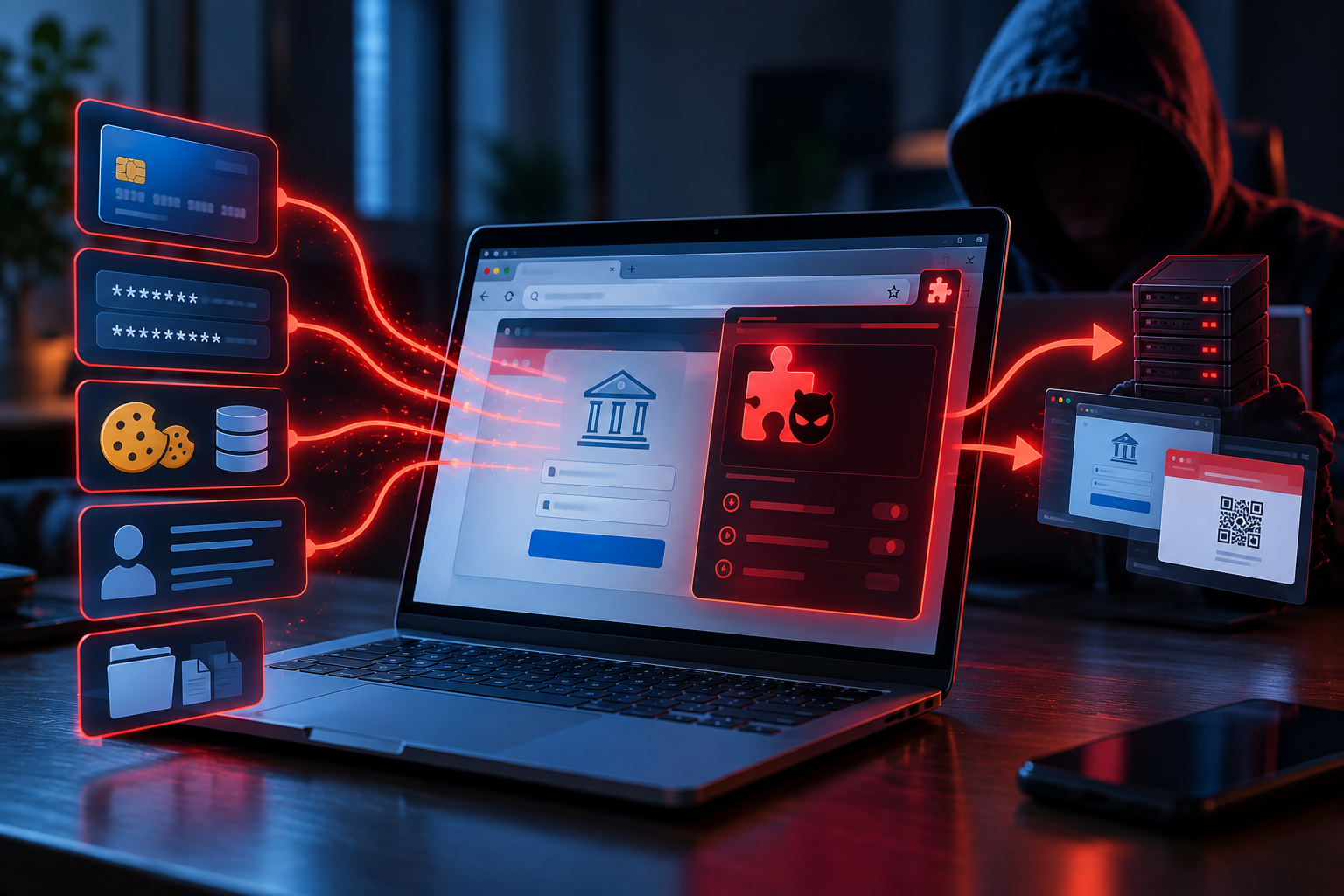
A major part of the attack takes place inside the victim’s web browser. KREMLIN secretly installs a malicious extension in Google Chrome and Microsoft Edge. Once active, this extension can collect saved passwords, cookies, autofill information, and other data stored in browser profiles.
This makes KREMLIN particularly dangerous for people who use their browsers for online banking. The extension can monitor selected websites and record information entered into text fields, including usernames and passwords. It can also intercept information submitted through forms and web requests, potentially exposing payment or transfer details.
KREMLIN can do more than simply observe browsing activity. The malicious extension is capable of modifying content displayed on websites. Attackers can use this ability to place fake forms or prompts over legitimate banking pages or redirect users to other websites after they interact with particular links or buttons.
An earlier version of the campaign demonstrated this capability against WhatsApp Web and the Brazilian bank Sicoob. Victims were shown a Portuguese-language overlay claiming that their session was about to expire and asking them to scan a new QR code. The QR code was controlled by the attackers and was likely intended to help them hijack accounts.
KREMLIN also collects browser information outside active banking sessions. Attackers can instruct the extension to take screenshots of open tabs, identify which websites are open, retrieve cookies and other browser-stored information, and download the contents of webpages.
The malware uses several techniques to make its presence harder to notice. Rather than asking the victim to approve a browser extension, KREMLIN copies it directly into Chrome and Edge profiles and modifies protected browser configuration data. It can obtain internal browser encryption keys from memory so that its unauthorized changes appear valid to the browser.
The analyzed version of the extension was called “AVSync System Inc V19.14.9.” Earlier versions used names including “FrameSync Driver System” and “FrameSync Plugin Project.” The extension can still appear on the browser’s extensions page, making an unfamiliar extension with a generic icon and Developer mode enabled a possible sign of infection.
Some KREMLIN campaigns have also installed separate remote access Trojans. Researchers observed PULSAR being used in earlier activity and REMCOS RAT in later campaigns. These additional tools can provide attackers with broader remote access to the infected computer.
The consequences of an infection can therefore extend beyond a single banking account. Stolen browser passwords and cookies can expose other online accounts, while intercepted banking information can contribute to financial theft. Victims may also face account hijacking, identity theft, and further malware infections.
How does KREMLIN infect computers?
KREMLIN campaigns use banking-related files and other social engineering techniques to persuade victims to start the infection themselves. One documented method involves malicious JavaScript files disguised as financial documents such as payment receipts, bank statements, and PIX or TED transfer confirmations.
The filenames can reference well-known Brazilian financial institutions and payment services. The campaign has used names associated with Banco do Brasil, Caixa, Bradesco, Sicoob, C6 Bank, Inter, BTG, Safra, PagBank, PicPay, Santander, and Mercado Pago. Later campaigns also used documents presented as business permits and certificates.
When the malicious JavaScript file is opened, the victim sees a fake error suggesting that the document could not be displayed correctly. Behind the scenes, however, the script checks whether it is running on a real computer rather than a malware-analysis environment. It then downloads Node.js and continues the infection process.
KREMLIN uses an unusual approach to locate parts of its infrastructure. Some configuration information is stored in smart contracts on the Ethereum blockchain. The malware can read this public blockchain data to determine where additional components should be downloaded from, allowing its operators to change infrastructure without relying entirely on a fixed server address.
Some malicious components have also been concealed inside apparently ordinary JPEG files hosted on the Internet Archive. The latest analyzed version additionally uses a legitimate signed SentinelOne executable to load a malicious DLL through a technique known as DLL side-loading.
Persistence is established through a scheduled task called “MicrosoftNodeRuntimeUpdater.” This task is configured to launch the malware shortly after the user logs into Windows, helping the infection survive system restarts.
Other documented KREMLIN campaigns have used LNK shortcut files that execute PowerShell scripts. Attackers have also promoted a fake Adobe Acrobat plugin through an imitation website. These methods show that the malware does not rely on only one type of malicious file.
Users should be particularly cautious with unexpected banking documents received online. JavaScript files with extensions such as .js or .jse should not be treated as normal bank statements, receipts, or transfer confirmations. Software and browser extensions should also be obtained only from trusted and official sources.
Regularly reviewing installed browser extensions can help reveal suspicious additions. An unfamiliar extension that suddenly appears in Chrome or Edge, particularly one operating in Developer mode, deserves investigation.
Systems suspected of being infected with KREMLIN should be scanned with reputable security software. Because the malware can steal passwords and banking information, credentials should be changed from a known-clean device after the infection has been removed. Banking accounts and other important services should also be checked for unauthorized activity.
Site Disclaimer
2-remove-virus.com is not sponsored, owned, affiliated, or linked to malware developers or distributors that are referenced in this article. The article does not promote or endorse any type of malware. We aim at providing useful information that will help computer users to detect and eliminate the unwanted malicious programs from their computers. This can be done manually by following the instructions presented in the article or automatically by implementing the suggested anti-malware tools.
The article is only meant to be used for educational purposes. If you follow the instructions given in the article, you agree to be contracted by the disclaimer. We do not guarantee that the artcile will present you with a solution that removes the malign threats completely. Malware changes constantly, which is why, in some cases, it may be difficult to clean the computer fully by using only the manual removal instructions.